
Wound Care Mobile App: Essential Features for Clinicians
What features wound care clinicians actually need in a mobile app. Offline mode, photo capture, wound measurement, and documentation templates evaluated.
Damon Ebanks
Medipyxis
Wound Care Mobile App Features That Actually Matter
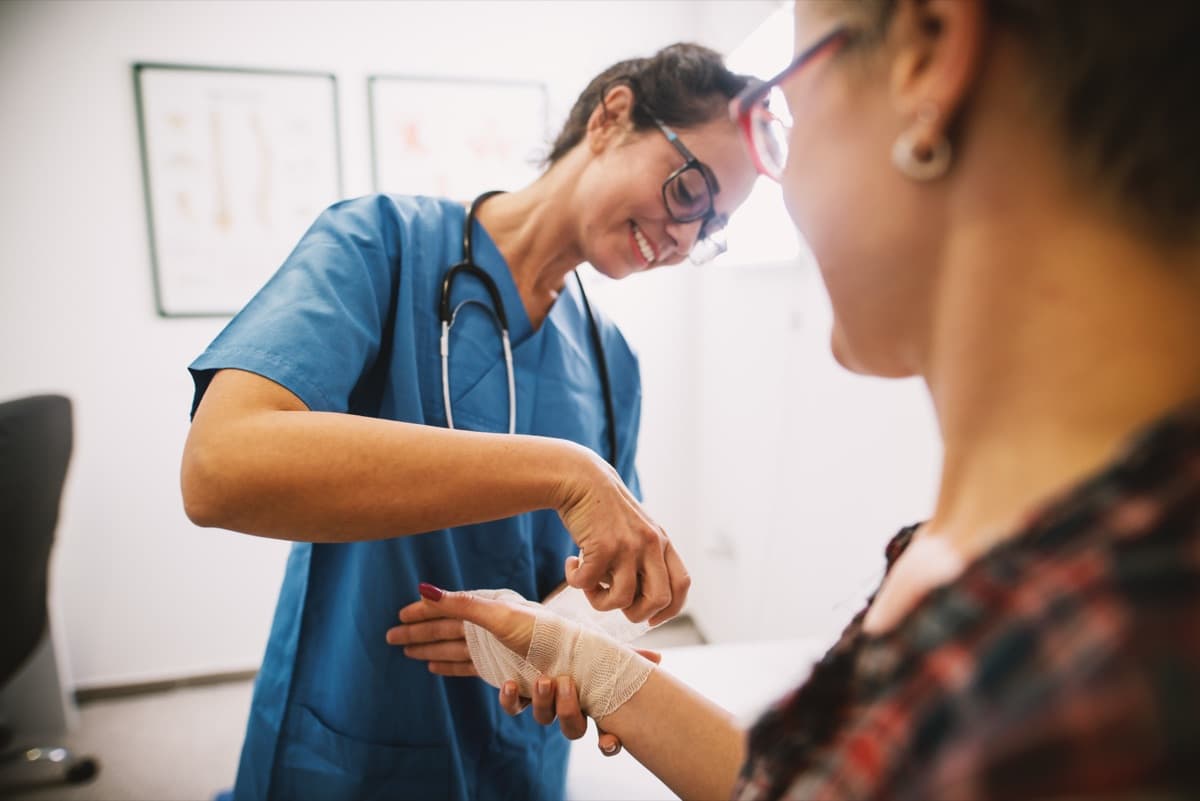
Most wound care clinicians work outside the four walls of a clinic. Home health visits, skilled nursing facility rounds, long-term care rotations. The device in their hand is their primary documentation tool, and the mobile app running on it determines whether documentation happens efficiently at the bedside or gets backfilled from memory hours later.
A wound care mobile app is not a shrunken desktop EMR. It needs to be purpose-built for the realities of mobile clinical work: unreliable connectivity, time pressure between patients, and clinical workflows that revolve around visual assessment and photography.
Here are the features that separate a useful wound care mobile app from one that creates more friction than it solves.
Offline Mode: The Non-Negotiable Feature
Mobile wound care clinicians regularly work in locations with poor or no cellular connectivity. Basement-level wound care rooms in SNFs. Rural home health visits. Facilities with thick concrete walls that block signal.
An app that requires constant connectivity to function will fail in exactly the environments where wound care happens most. True offline mode means:
- Full chart access. The clinician can pull up the patient's wound history, previous measurements, and care plan without a connection. Data syncs when the device reconnects.
- Complete documentation capability. Every field, template, and dropdown works offline. The clinician finishes the note at the bedside, and it queues for upload.
- Photo capture and storage. Wound photos save locally with proper metadata (patient ID, wound ID, timestamp) and sync later without requiring manual re-association.
- Conflict resolution. When two clinicians document on the same patient while offline, the system handles the merge intelligently rather than overwriting one person's work.
If a vendor tells you their app "works offline" but you can only view data and not enter it, that is not offline mode. That is a cached read-only viewer.
Evaluating Offline Reliability
Ask vendors these specific questions: How much patient data syncs to the device? What happens if the app crashes while offline -- does drafted documentation survive? How long can a clinician work offline before data limits become a problem? Test these scenarios yourself before committing.
Photo Capture and Clinical Photography
Wound photography is the backbone of wound care documentation. The app's camera integration determines whether photos are clinically useful or throwaway snapshots.
What the camera workflow needs:
- In-app capture. Photos taken within the app, not in the phone's native camera and then imported. In-app capture automatically associates the photo with the correct patient, wound, and visit.
- Guided framing. Visual overlays that help the clinician position the camera at the correct distance and angle. Consistent framing across visits makes healing trajectory visible.
- Ruler and calibration support. Integration with physical calibration markers (ruler stickers or reference cards) placed next to the wound. Without calibration, photo-based measurements are unreliable.
- Multiple wound tracking. Patients with multiple wounds need photos linked to the correct wound site. The app should make it difficult to accidentally attach a photo to the wrong wound.
For detailed photography technique guidance, see Clinical Photography Best Practices for Wound Care.
Wound Measurement and Assessment Tools
Manual wound measurement with a ruler takes time and produces inconsistent results. A good mobile app offers measurement tools that work from photographs.
What to Look For in Measurement
- Photo-based measurement. Length, width, depth, area, and undermining calculated from the wound photograph. This eliminates ruler-based variability between clinicians.
- Measurement history tracking. A visual timeline showing wound dimensions across visits. Clinicians should see at a glance whether a wound is healing, stalled, or deteriorating.
- Automatic wound bed analysis. Tissue type percentages (granulation, slough, eschar, epithelial) identified from the photo. The clinician reviews and confirms rather than estimating from memory.
- Threshold alerts. Notifications when a wound shows size increase or stalled healing over a configurable number of visits.
The measurement feature is only as accurate as the photograph. Apps that claim AI measurement without enforcing photo quality standards (lighting, angle, calibration reference) will produce numbers that look precise but are not reliable.
Documentation Templates and Workflow
The documentation workflow is where mobile apps either save time or waste it. Wound care documentation has specific LCD and CMS requirements that generic medical templates do not cover.
Essential documentation capabilities:
- Wound-specific templates. Pre-built templates for each wound etiology (pressure injury, diabetic foot ulcer, venous leg ulcer, surgical wound) with the required assessment fields for each type.
- Smart defaults with override. The app pre-fills fields based on previous visit data (wound location, etiology, treatment plan) and lets the clinician edit what changed. Documenting what is different takes seconds instead of re-entering everything.
- Treatment and supply logging. A built-in catalog of wound care supplies and procedures with associated billing codes. The clinician selects what they used and what they did, and the documentation populates accordingly.
- Visit-to-visit comparison. Side-by-side view of the current visit assessment next to the previous visit, highlighting what changed. This supports both clinical decision-making and compliant documentation.
For template design considerations, see Wound Care Documentation Templates.
Integration and Data Exchange
A mobile app that does not exchange data with the practice's other systems creates information silos and duplicate entry.
Minimum integration requirements:
- EHR synchronization. Wound assessments, photos, and treatment notes flow into the central medical record. Clinicians should not re-enter data from the mobile app into a desktop EMR.
- Scheduling integration. The app displays the clinician's schedule and patient assignments for the day. Route and visit sequence are visible on the mobile device.
- Billing data flow. Procedure codes, diagnosis codes, and supply usage documented in the app feed directly into the billing workflow without manual transcription.
- Referral communication. The ability to send wound status summaries, photos, and assessments to referring physicians or specialists directly from the app.
For a broader look at EHR considerations, see Wound Care EHR Selection Guide.
Key Takeaways
- Offline mode is non-negotiable. If the app cannot support full documentation without connectivity, it will fail in the field environments where wound care happens.
- Photo capture must be in-app with calibration support. Native camera imports lose metadata association and produce inconsistent clinical photography.
- Measurement tools are only as good as the photo quality they enforce. AI precision means nothing without calibration references and framing guidance.
- Templates must be wound-care-specific, not generic. LCD-required fields, wound etiology logic, and supply catalogs are baseline requirements.
- Integration is not optional. A mobile app that creates data silos generates more administrative work than it eliminates.
The right mobile app does not just digitize paper wound care documentation. It makes bedside documentation faster than the paper workflow ever was, while capturing richer clinical data and enforcing the completeness that billing and compliance require.