
Practice Highlights
Practice Highlights
The Practice Highlights section gives a quick overview of key practices with important updates, ROI performance, and recent activity. It provides instant access to practice details and quick actions, helping you stay focused.
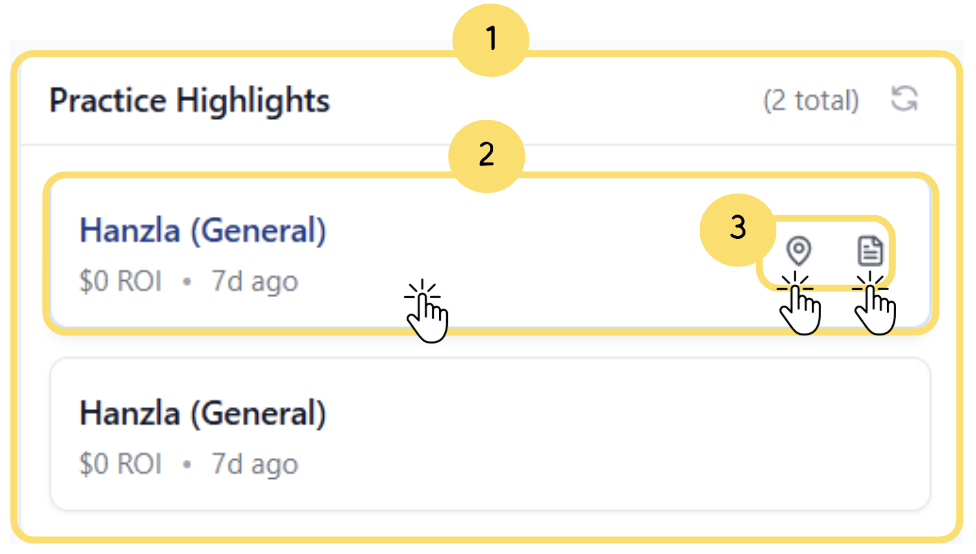
Displays the Practice Highlights section with the total number of highlighted practices.
Shows practice details such as name, ROI value, and last activity date.
Use the Quick Action icons to view the practice on the map or open detailed information inside the CRM.
Hover over a practice highlight to view the Quick Action icons for map and details.
